 Domain RegistrationFind and register the perfect domain for your website.
 .COM DomainChoose a widely recognized domain to build global credibility.
 Domain TransferSeamless domain transfers with zero downtime and complete control.
 All TLDsFind and register your perfect domain. Choose from local and global extensions.
 SSL CertificatesKeep your website safe with reliable SSL Certificates that protect customer data and build trust.
 whoisCheck domain ownership details, expiration dates, and registrar information.
 US DomainRegister a .US domain and build trust in the USA.
 Web HostingEverything your website needs to run smoothly
 WordPress HostingWordPress hosting that just works
 Windows HostingReliable hosting for Windows environments
 Reseller HostingTurn hosting into your business
 Email HostingEmail that looks professional and works anywhere
 cPanel HostingFull control of your hosting with cPanel
 Affiliate ProgramJoin as a partner and earn commissions on every referral you send our way.
 Vps HostingScalable virtual servers that expand as you need.
 Dedicated ServersGet complete access and full control over your dedicated physical server.
 Managed vpsNot tech-savvy? We will take care of everything with our fully managed VPS hosting for you.
 AI Website BuilderCreate stunning websites in seconds with AI.
 Online ShopSet up a professional online store. No coding required.
 Web design serviceGet a tailored website designed to match your brand and support your goals.
 BlogFind helpful guides on web hosting, online selling, digital marketing, and more.
 Contact USYou can reach us anytime, day or night, through chat or email.
 SupportBrowse helpful guides and answers for all of our services.
You have something to say, and people out there are already searching for it. The real challenge is not writing your first post, it is getting your blog online without running into technical headaches.
That is where things start to feel messy. Pages take forever to load, pricing makes no sense, and hosting plans promise everything until your site slows down or crashes the moment traffic picks up. For many bloggers, this is the point where momentum fades.
Many bloggers run into this confusion early on, especially when all they want is a simple and reliable setup. One thing becomes clear pretty quickly, the hosting you choose can either make your journey smooth or quietly hold you back.
So here is a clear breakdown of what actually matters when choosing web hosting for your blog, based on real needs, real budgets, and how you plan to grow.
What Bloggers Should Look for in a Hosting Provider
Before jumping into specific providers, you need to know what actually matters. Not every feature on a pricing page will affect your blog, but these ones will.

1) Speed
Your readers will not wait for a slow site to load. A hosting provider with fast server response times directly affects your bounce rate, your reader experience, and your search engine rankings.
Look for providers that use SSD storage, content delivery networks, and modern server infrastructure to keep your pages loading quickly.
2) Uptime
Uptime is the percentage of time your site is actually live and accessible. Anything below 99.9% is a red flag for a serious blog.
When your site goes down, you lose readers, ad revenue, and search engine trust. Always check what uptime guarantee a provider offers before signing up.
3) Storage and Bandwidth
Storage determines how much content, including images, videos, and files, you can host. Bandwidth controls how much traffic your site can handle before slowing down or charging you extra.
Most new bloggers do not need huge amounts of either, but you should have room to grow without hitting a ceiling too quickly.
4) Ease of Use
If you are spending more time managing your hosting than writing content, something is wrong. Look for providers that offer a beginner-friendly control panel, one-click WordPress installation, and a clean dashboard you can actually navigate without a manual.
5) Scalability
Your blog will not stay small forever, and your hosting should be able to grow with it. A good provider lets you upgrade your plan without migrating to a completely new platform.
6) Security
A hacked blog is a nightmare to recover from. Your hosting provider should offer SSL certificates, malware scanning, automatic backups, and spam protection as standard features, not expensive add-ons.
7) Customer Support
When something goes wrong at midnight before a big post goes live, you want a support team that actually picks up. Look for providers with 24/7 live chat or phone support, not just a ticket system with a 48-hour response window.
Best Web Hosting Providers for Bloggers
Here are the hosting providers worth your attention, including what they do well, where they fall short, and which type of blogger each one suits best.
1) Truehost
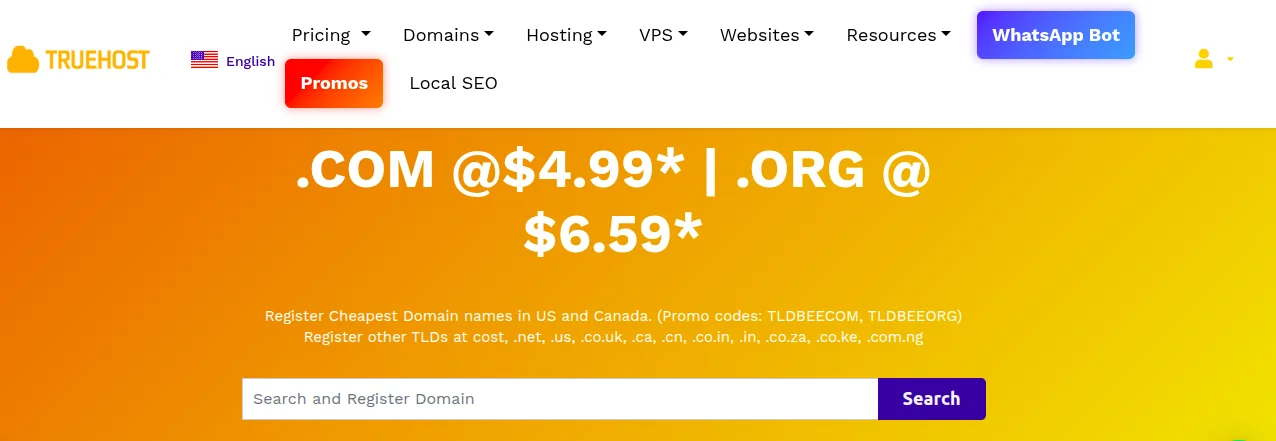
Truehost is built with lean budgets and practical needs in mind, making it one of the most accessible hosting options for bloggers across US and beyond. It offers a clean hosting experience without unnecessary complexity, and the pricing is genuinely affordable without hiding essential features behind expensive tiers.
Key Features:
Affordable shared and cloud hosting plans with no surprise fees
- Free domain registration included with select hosting plans
- One-click WordPress installation for quick blog setup
- Free SSL certificate on all plans
- 99.9% uptime guarantee backed by reliable infrastructure
- SSD-powered servers for faster page loading
- 24/7 customer support via live chat and ticketing
- Easy-to-use control panel suitable for beginners
- Scalable plans that grow alongside your blog
Visit Truehost web hosting plans to see current options and pricing.
2) Bluehost
Bluehost is one of the most recommended hosting providers for bloggers, largely because it is officially recommended by WordPress.org. It is beginner-friendly and comes with a guided setup process that makes launching a WordPress blog straightforward.
Key Features:
- Free domain for the first year included with most plans
- One-click WordPress installation and automatic updates
- Free SSL certificate and basic security tools
- 24/7 customer support via chat and phone
- Unmetered bandwidth on entry-level plans
- Built-in CDN for improved global load speeds
3) SiteGround
SiteGround has earned a strong reputation for performance and customer service. It uses Google Cloud infrastructure, which means fast and stable hosting backed by enterprise-level technology. Their support team is frequently praised for being responsive and genuinely helpful.
Key Features:
Google Cloud-powered infrastructure for strong speed and reliability
- Free daily backups and easy one-click restore
- Free SSL, CDN, and WordPress auto-updates
- SuperCacher technology to improve site performance
- Excellent 24/7 support with fast response times
- Easy staging environment for testing changes before publishing
4) Hostinger
Hostinger is known for offering some of the most competitive pricing in the hosting industry without cutting corners on performance. It has grown into a reliable platform used by millions of websites globally, and its beginner tools make it easy to get a blog up and running quickly.
Key Features:
Very affordable pricing with plans starting at low monthly rates
- Free domain included with annual plans
- LiteSpeed servers for fast page loading
- Free SSL certificate and weekly automatic backups
- AI website builder and one-click WordPress installer
- 99.9% uptime guarantee
5) DreamHost
DreamHost is an independently owned hosting company with a strong commitment to privacy and open-source technology. It is one of only a few providers also officially recommended by WordPress.org, and it offers a generous 97-day money-back guarantee, one of the longest in the industry.
Key Features:
97-day money-back guarantee, giving you real time to test the platform
- Free domain and free SSL with most plans
- Unlimited bandwidth and storage on shared plans
- Built-in WordPress installer and automatic core updates
- Strong privacy policy with no upselling of personal data
- Monthly billing option available, which most providers do not offer
Free vs Paid Hosting for Bloggers
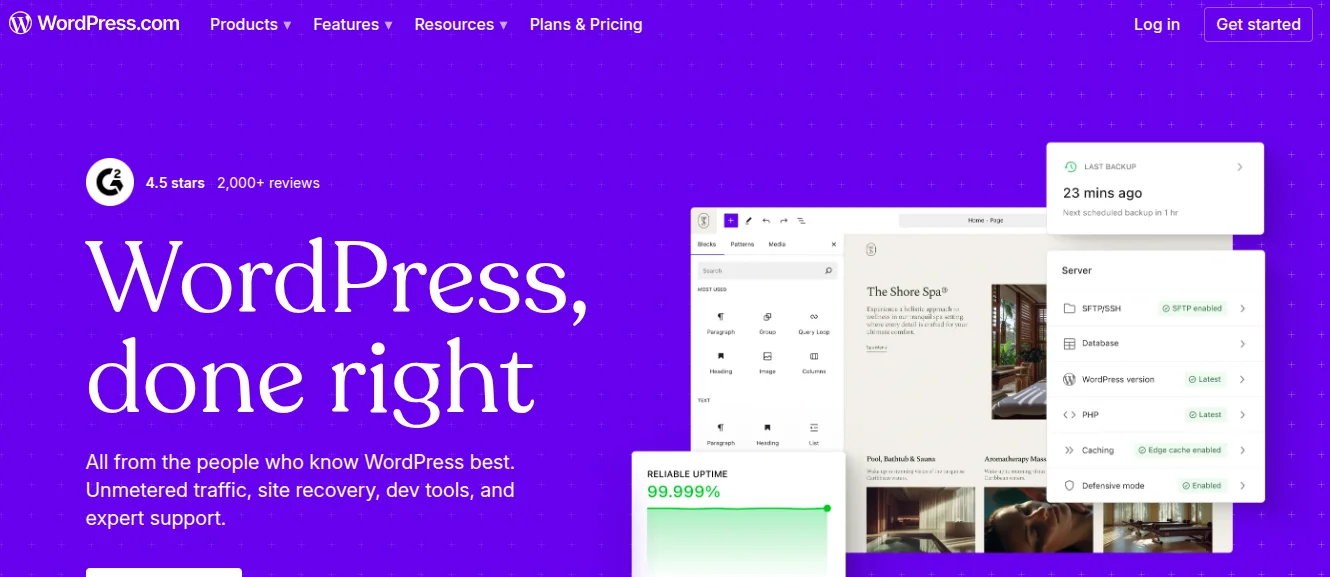
Free hosting platforms like WordPress.com, Blogger, and Wix can get you online quickly without spending anything. For casual hobby blogs with no monetization goals, they can work fine.
But free hosting comes with real limits. You typically cannot use a custom domain, add your own plugins, run ads, or access full analytics. Your blog lives on a platform owned by someone else, under their terms.
Paid hosting gives you ownership, flexibility, and control. You choose your domain, your platform, your plugins, and your monetization strategy. When you are serious about building a blog that grows into something meaningful, paid hosting is the foundation that makes everything else possible.
The decision usually comes down to intent. If your blog is an experiment, free hosting is fine. If it is a business or a brand, paid hosting is not optional.
Common Mistakes Bloggers Make When Choosing Hosting
Even experienced bloggers make these mistakes. Knowing them in advance puts you ahead.
- Choosing based only on the introductory price Many providers advertise low rates that jump significantly at renewal. Always check the renewal price before committing to a multi-year plan.
- Ignoring scalability A hosting plan that works today may not support your blog in twelve months. Choose a provider that makes it easy to upgrade without rebuilding your entire site.
- Overlooking support quality A beautiful pricing page means nothing if the support team takes three days to respond to a critical issue. Check real user reviews on independent platforms before signing up.
- Skipping the backup question Not all hosting providers include automatic backups by default. Losing months of content to a server failure with no backup is a preventable disaster.
- Not reading the resource limits Words like unlimited bandwidth and unlimited storage often come with fair use policies buried in the terms. Read what unlimited actually means for your chosen plan before you commit.
How to Choose the Right Hosting for Your Blog
Use these steps to narrow down your choice without getting lost in feature comparisons.
Step 1: Define your blog purpose
Are you building a personal journal, a monetized niche site, or a content business? Your goals determine the level of hosting you actually need right now.
Step 2: Set a realistic budget
Factor in renewal pricing, not just introductory offers. A slightly more expensive plan with honest renewal rates often saves you money over two or three years.
Step 3: Check the platform you plan to use
If you are building on WordPress, confirm that your host supports one-click WordPress installation, automatic updates, and has a track record with WordPress performance.
Step 4: Verify uptime guarantees and speed benchmarks
Look for independent speed and uptime tests from third-party review sites rather than relying solely on what the hosting provider claims about itself.
Step 5: Test the support before you commit
Send a pre-sales question to the support team and see how quickly and helpfully they respond. The quality of that interaction tells you a lot about what to expect after you sign up.
Step 6: Start with shared hosting and plan your upgrade path
Most bloggers do not need VPS or cloud hosting on day one. Start lean, grow into your plan, and upgrade when your traffic data tells you it is time.
When Should You Upgrade Your Hosting?
Knowing when to move up is just as important as knowing where to start.
You are ready to upgrade when:
- Your blog regularly receives more than 10,000 monthly visitors and pages are loading slowly
- You are experiencing frequent downtime or error messages during peak hours
- Your current plan does not support the plugins, tools, or integrations your blog needs
- You are running an online store, course, or membership alongside your blog
- You need a staging environment to safely test changes before publishing them live
Upgrading does not have to mean switching providers. Truehost scalable hosting plans let you move up without migrating your entire site to a new platform, which saves time and reduces the risk of something breaking during the transition.
Ready to launch or upgrade?
Choosing the best web hosting for your blog is one of the most important decisions you will make as a blogger. Get it right, and your site runs smoothly, your readers stick around, and your content gets the audience it deserves.
The right hosting provider gives you speed, reliability, security, and room to grow, without locking you into confusing contracts or burying essential features behind expensive upgrades.
Whether you are launching your very first blog or looking to move an existing site to a more reliable home,Truehost offers practical, affordable hosting built for real bloggers with real budgets.