 Domain RegistrationFind and register the perfect domain for your website.
 .COM DomainChoose a widely recognized domain to build global credibility.
 Domain TransferSeamless domain transfers with zero downtime and complete control.
 All TLDsFind and register your perfect domain. Choose from local and global extensions.
 SSL CertificatesKeep your website safe with reliable SSL Certificates that protect customer data and build trust.
 whoisCheck domain ownership details, expiration dates, and registrar information.
 US DomainRegister a .US domain and build trust in the USA.
 Web HostingEverything your website needs to run smoothly
 WordPress HostingWordPress hosting that just works
 Windows HostingReliable hosting for Windows environments
 Reseller HostingTurn hosting into your business
 Email HostingEmail that looks professional and works anywhere
 cPanel HostingFull control of your hosting with cPanel
 Affiliate ProgramJoin as a partner and earn commissions on every referral you send our way.
 Vps HostingScalable virtual servers that expand as you need.
 Dedicated ServersGet complete access and full control over your dedicated physical server.
 Managed vpsNot tech-savvy? We will take care of everything with our fully managed VPS hosting for you.
 AI Website BuilderCreate stunning websites in seconds with AI.
 Online ShopSet up a professional online store. No coding required.
 Web design serviceGet a tailored website designed to match your brand and support your goals.
 BlogFind helpful guides on web hosting, online selling, digital marketing, and more.
 Contact USYou can reach us anytime, day or night, through chat or email.
 SupportBrowse helpful guides and answers for all of our services.
Ever landed on a website that loads instantly and just works, no delays, no pop-ups, no unnecessary clutter, and wondered how it was built?
If you’re new to websites or trying to build one for your business, terms like static website and dynamic website can feel overwhelming.
You might be asking yourself:
- Do I need something complex?
- Will this cost more?
- Am I choosing the wrong type of website?
That confusion is a real pain point for many beginners.
A static website is often mentioned as the “simpler option,” but what does that really mean? What can it do? And how is it different from the websites that update content automatically?
In this article, you’ll get clear answers. You’ll learn what a static website is, how it works, what it’s used for, and how it compares to dynamic websites. By the end, you’ll know exactly whether a static website is the right choice for you.
What Is a Static Website?
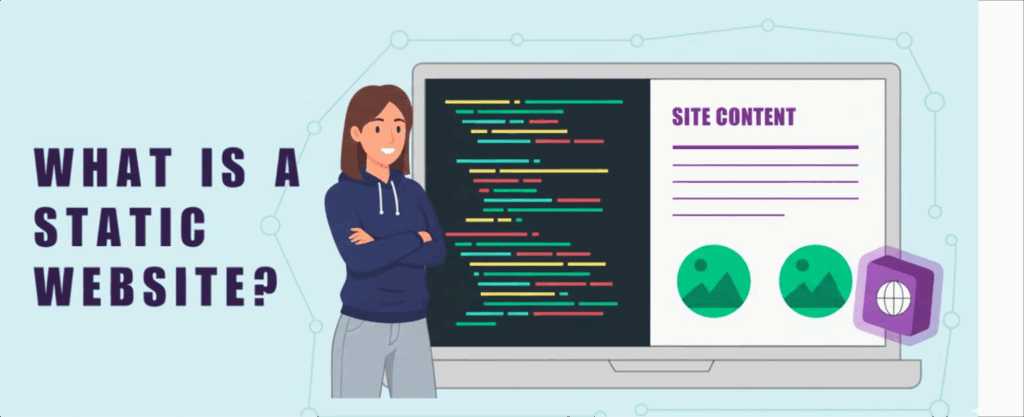
A static website is built using fixed code files.
These files are usually HTML, CSS, and sometimes JavaScript.
When someone types your website address into their browser, the server doesn’t “think” or process anything. It simply sends those exact files to the visitor’s browser, just as they were created.
There is no database involved.
That means the content you publish stays the same for everyone who visits your site. Nothing changes unless you manually edit and re-upload the files.
This is what makes a static website simple, predictable, and fast.
How a Static Website Works
The easiest way to understand a static website is to compare it to something familiar.
Think of it like a printed brochure.
Once it’s printed, the information on it doesn’t change. If you want to update a phone number or add new details, you don’t scribble on it; you print a new version.
That’s exactly how a static website works.
- The page is already built
- The content is already placed
- The server only delivers what exists
When a visitor clicks your link, the page is instantly served.
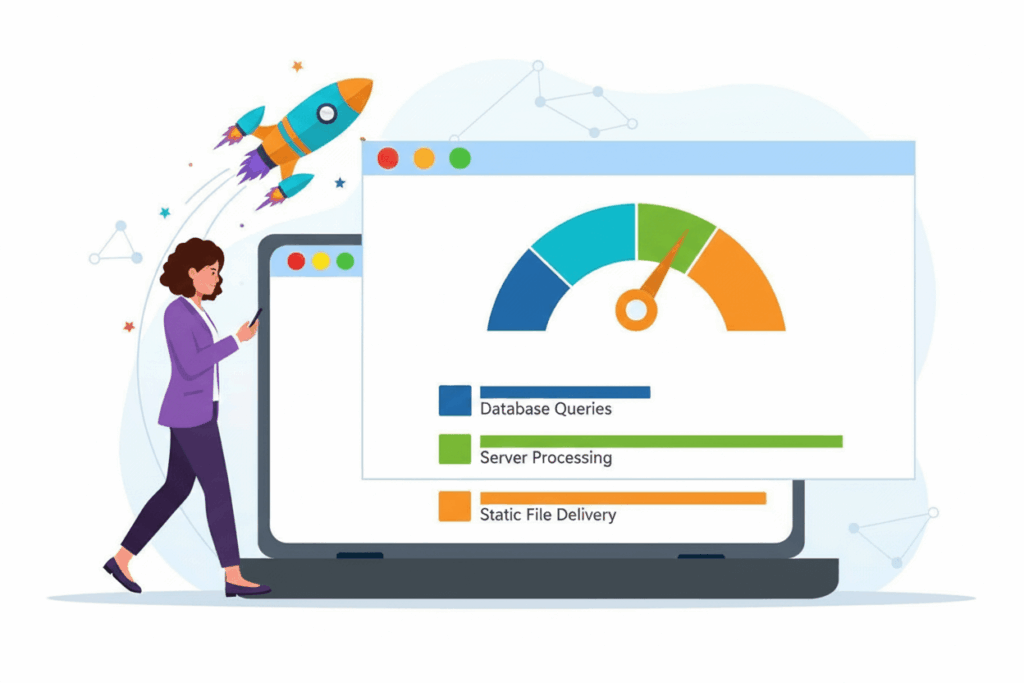
There’s no assembling, no fetching content, and no waiting.
Static Website vs Dynamic Website: What’s the Difference?
The biggest difference lies in how content is delivered.
A dynamic website, like WordPress, works differently. Each time someone visits a page, the server pulls information from a database, processes it, and then builds the page on the spot.
A static website skips all of that.
The page is already complete and waiting to be shown.
Here’s a simple breakdown to help you see the contrast clearly:
| Feature | Static Website | Dynamic Website |
| Content storage | Flat files | Database |
| Page loading | Extremely fast | Slower (needs processing) |
| Security | High (no database to attack) | Lower (database vulnerabilities) |
| Maintenance | Very low | High (frequent updates) |
| User interaction | Limited | Advanced (logins, comments, forums) |
Understanding this difference helps you choose the right type of website for your needs, budget, and long-term goals.
When Should You Use a Static Website?
A static website is ideal when your content doesn’t change often.
It works best if you want to publish information, not manage users or data.
A static website is perfect for:
- Personal portfolios
- Business landing pages
- Company profiles
- Event pages
- Documentation websites
- Simple blogs
- Resume websites
If your primary goal is visibility and credibility, a static website will suffice.
Why You Should Choose a Static Website
In recent years, many developers and business owners have started moving back to static websites, and for good reason.
As websites become more complex, people are realizing that simplicity often works better. If your goal is speed, stability, and peace of mind, a static website offers some powerful advantages.
Here’s why choosing a static website can be a smart decision for you.
1) Unmatched Speed
Speed is one of the biggest strengths of a static website.
Because there is no database to query and no page to assemble, your content loads almost instantly. The server simply delivers ready-made files to the visitor’s browser.
This matters because:
- Visitors expect fast-loading pages
- Slow websites lose attention quickly
- Google uses speed as a ranking factor
A faster website creates a smoother experience and increases your chances of ranking higher in search results.
2) Superior Security
Security is a major concern for website owners, particularly those who are new to the field.
Most website attacks target:
- Databases
- Login pages
- Server-side software
A static website doesn’t rely on any of these.
There’s no database to attack and no backend login system to exploit. That means fewer weak points and a much smaller attack surface.
Simply put, there are fewer “doors” for hackers to try to break into.
3) Lower Hosting Costs
Static websites are light on server resources.
They don’t need:
- High processing power
- Advanced server configurations
- Expensive hosting plans
Because of this, you can host a static website on basic and reliable hosting plans without performance issues.
You can also pair static files with a Content Delivery Network (CDN) to reduce costs even further while improving global speed.
This makes static websites ideal if you’re working with a tight budget.
4) Better Reliability Under Traffic
Traffic spikes can bring dynamic websites down.
When too many visitors hit a database at once, the site can slow down or crash completely.
Static websites handle traffic much better.
Since the server only serves simple files, it can handle large numbers of visitors without stress. Whether you get 10 visits or 10,000 visits, the experience remains stable.
Limitations of a Static Website
As simple and reliable as static websites are, they are not a one-size-fits-all solution.
Understanding their limitations helps you make the right decision before you invest time and resources into building one.
Here are the key areas where a static website may fall short.
a) Manual Content Updates
With a static website, content changes are not automatic.
Any update, whether it’s fixing a typo, adding a new page, or changing prices, requires you to:
- Edit the file
- Regenerate the site (if using a generator)
- Upload the updated files
For websites that change frequently, this process can feel slow and inconvenient.
b) No User Accounts or Logins
Static websites don’t support user accounts by default.
That means you can’t easily add:
- User dashboards
- Member-only content
- Login or registration systems
These features require databases and server-side processing, which static sites are designed to avoid.
c) No Real-Time Personalization
Every visitor sees the same content.
You can’t:
- Show personalized recommendations
- Display custom dashboards
- Adjust content based on user behavior
If your website needs to adapt content in real time, a static setup may feel limiting.
d) Not Ideal for Large or Content-Heavy Sites
As your site grows, managing many static pages can become challenging.
Large blogs, news sites, or platforms with hundreds of pages often need:
- Search functionality
- Category filtering
- Automated content management
These features are easier to manage with a dynamic system.
When a Dynamic Website Makes More Sense
If your website needs:
- Frequent updates
- User interaction
- Advanced functionality
Then a dynamic website may be a better fit.
How to Build a Static Website (Step by Step)
If the benefits of a static website sound like a good fit for you, the next question is simple: how do you actually build one?
The good news is that building a static website today is much easier than it used to be.
You don’t have to be a developer, and you don’t need to start from scratch unless you want to.
This guide keeps things high-level and flexible, so you can adapt the process to your own skills and goals.
1) Choose How You’ll Build Your Static Website
The first step is deciding how you want to create your site.
You have a few solid options.
Build from scratch (optional)
If you’re comfortable with code, you can create a static website using:
- HTML for structure
- CSS for design
- JavaScript for interactivity
This gives you full control.
However, as your site grows, managing every file manually can become stressful, especially if you’re not very technical.
That’s where static site tools come in.
Use a static site generator or CMS
A static site generator helps you build and manage your website without editing every single page by hand.
Instead of updating dozens of HTML files, you make changes once and let the tool generate updated pages for you.
This makes your site:
- Easier to manage
- Faster to update
- Less prone to errors
Popular static site generators you can consider include:

- Jekyll – beginner-friendly and great for blogs
- Hugo – fast and flexible for many site types
- Gatsby – powerful and modern, but more advanced
- WordPress + static export plugin – build with WordPress, then convert the site into static files
Using WordPress this way is especially helpful if you’re already familiar with it.
2) Build Your Website Content and Pages
Once you’ve chosen your tool, it’s time to build your site.
How this looks depends on what you’re using, but the idea is always the same:
- Create your pages
- Add your content
- Design your layout
If you’re coming from a WordPress background, this approach feels very natural.
You can:
- Design your pages visually
- Write your content as usual
- Preview everything before publishing
Behind the scenes, the tool converts your site into static HTML files.
This gives you the simplicity of static websites without giving up convenience.
3) Deploy Your Static Website Online
After building your site, you need to make it live.
Deployment simply means uploading your static files to the internet so people can access them.
There are a few common ways to do this.
Option A: Upload to web hosting
This is the most beginner-friendly method.
You:
- Generate your static files
- Log in to your hosting control panel
- Upload the files to your public folder
- Visit your domain
Your site is now live.
Most shared hosting plans support static websites perfectly.
Option B: Use Git-based deployment
If you’re comfortable with Git, you can connect your site to a repository.
The general flow looks like this:
- You push changes to your Git repository
- The hosting platform pulls the latest files
- Your site updates automatically
This works well for developers and teams.
Option C: Deploy via a CDN
Another option is to host your static files on online storage and serve them through a Content Delivery Network (CDN).
In this setup:
- You upload your files to storage
- The CDN distributes them globally
- Visitors get fast access from nearby servers
This approach improves speed and reliability, especially for global audiences.
4) Update and Maintain Your Site
Maintaining a static website is refreshingly simple.
When you need to make changes:
- Edit your content
- Regenerate the site
- Upload the updated files
There are:
- No databases to clean
- No plugins to update
- No backend errors to fix
That’s one of the biggest reasons people fall in love with static websites.
Can You Use WordPress for a Static Website?
Yes, but with a twist.
WordPress is dynamic by default.
However, you can:
- Build your site in WordPress
- Export it as static files
- Host it as a static website
This approach gives you the best of both worlds.
Final Thoughts: Is a Static Website Worth It?
Not everyone browsing your website has fast internet.
Many people rely on mobile data, often on older smartphones, and slow-loading sites quickly push them away. This is where static websites shine.
Because they’re lightweight and simple, static websites:
- Load fast even on slow connections
- Use less mobile data
- Stay stable during traffic spikes
- Are easier to secure and maintain
If your goal is to show your work, share your contact details, or clearly explain what you do, you don’t need anything complicated. A static website is often more than enough.
And when you’re ready to launch, choosing the right hosting makes all the difference.
Get started with Truehost for fast, affordable hosting and reliable local support, everything you need to put your static website online with confidence.