 Domain RegistrationFind and register the perfect domain for your website.
 .COM DomainChoose a widely recognized domain to build global credibility.
 Domain TransferSeamless domain transfers with zero downtime and complete control.
 All TLDsFind and register your perfect domain. Choose from local and global extensions.
 SSL CertificatesKeep your website safe with reliable SSL Certificates that protect customer data and build trust.
 whoisCheck domain ownership details, expiration dates, and registrar information.
 US DomainRegister a .US domain and build trust in the USA.
 Web HostingEverything your website needs to run smoothly
 WordPress HostingWordPress hosting that just works
 Windows HostingReliable hosting for Windows environments
 Reseller HostingTurn hosting into your business
 Email HostingEmail that looks professional and works anywhere
 cPanel HostingFull control of your hosting with cPanel
 Affiliate ProgramJoin as a partner and earn commissions on every referral you send our way.
 Vps HostingScalable virtual servers that expand as you need.
 Dedicated ServersGet complete access and full control over your dedicated physical server.
 Managed vpsNot tech-savvy? We will take care of everything with our fully managed VPS hosting for you.
 AI Website BuilderCreate stunning websites in seconds with AI.
 Online ShopSet up a professional online store. No coding required.
 Web design serviceGet a tailored website designed to match your brand and support your goals.
 BlogFind helpful guides on web hosting, online selling, digital marketing, and more.
 Contact USYou can reach us anytime, day or night, through chat or email.
 SupportBrowse helpful guides and answers for all of our services.
You want to start a WordPress website, but choosing a hosting provider immediately stops you. Every provider is throwing confusing plan names and technical terms straight at you. And now you spend hours reading comparison articles online and still feel completely lost afterwards.
Before you pick the cheapest option available and regret that decision months later, walk with me as we learn what you need as a beginner.
From our mistakes, we know that bad hosting costs you much more than just money when starting. It wastes hours of your time fixing problems you never created yourself.
That is exactly why this guide exists and why you need to read it today.
We will cover the 7 best WordPress hosting for beginners in 2026 with verified live pricing, exact features, and honest pros and cons for every host.
Let’s get into it.
1) Truehost (Best Overall for Beginners)
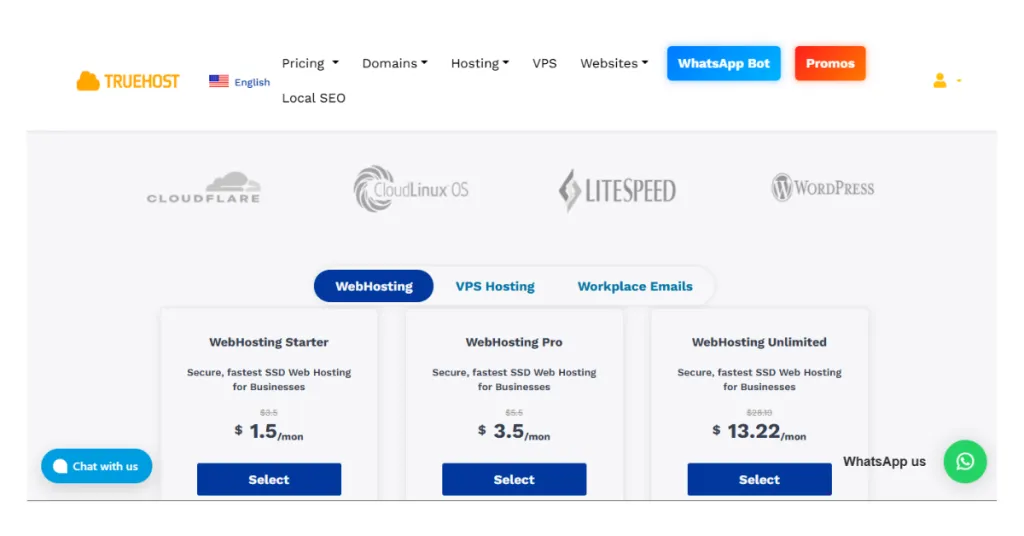
First on the list, Truehost gives you the most affordable starting point available right now.
Plans start from $1.5 per month, and that makes Truehost a top pick for WordPress hosting for beginners.
Not only that, every plan gives you free SSL and a one-click WordPress installation included.
You also get free automated daily backups, NVMe SSD storage, and LiteSpeed web servers, too.
Better yet, you do not need to configure anything technical before your WordPress site goes live.
You do not need to upgrade your plan just to unlock the features you actually need.
On top of that, the dashboard gives you a clean and simple experience every single time.
You find exactly what you need without clicking through confusing and overwhelming menus at all.
Truehost’s support runs 24 hours a day and 7 days a week across every channel. You reach the team through live chat, WhatsApp, phone, email, and support tickets anytime.
Most hosts at this price give you only one or two support channels to use.
On top of all that, Truehost also focuses strongly on beginners across the USA and emerging markets.
Servers cover those regions alongside full global coverage, so your visitors always load your site fast.
Truehost Pros
- First of all, every plan gives you free SSL
- Daily backups
- One-click WordPress install.
- LiteSpeed servers with NVMe SSDs keep your WordPress site running fast daily.
- Support through live chat, WhatsApp, phone, email, and tickets 24 hours a day.
- The 30-day money-back guarantee means you take zero financial risk when signing up.
Truehost Cons
However, Truehost does not carry the same name recognition as older hosts like Bluehost.
As a result, you will find fewer third-party reviews and tutorials when you search online.
2) Hostinger (Best for Budget-Conscious Beginners)
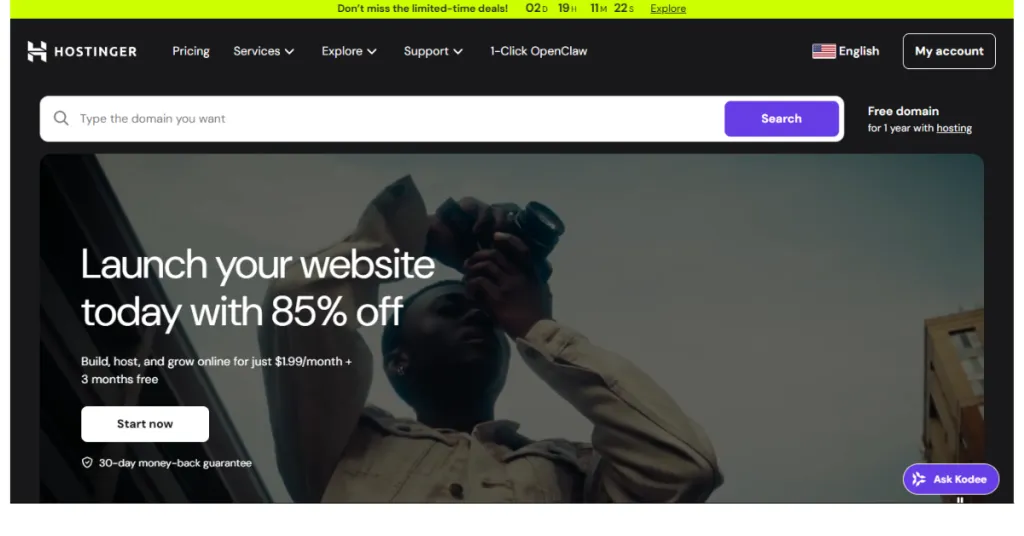
Next up, Hostinger gives you solid WordPress performance at one of the lowest prices today.
Introductory pricing runs between $1.99 and $6.99 per month, depending on the plan you choose. However, renewal pricing starts from $10.99 per month after your first term comes to an end.
With that in mind, you manage everything through hPanel, and that is Hostinger’s own control panel.
Hostinger Pros
- Every plan gives you LiteSpeed performance and free SSL from day one.
- The hPanel dashboard stays clean and simple and never overwhelms you at all.
- You get a free domain for your first year on every eligible annual plan available.
- Support responds in under 2 minutes, and the team speaks more than 8 languages.
- The 30-day money-back guarantee gives you a completely risk-free window to test everything.
Hostinger Cons
- Renewal pricing jumps to $10.99 per month, and that is significantly higher than before.
- The best introductory rate requires you to commit to a full 4-year term.
As a result, the cheapest plan limits you to 20 GB SSD storage, so you cannot host multiple sites.
3) Bluehost (Best for Complete Beginners)
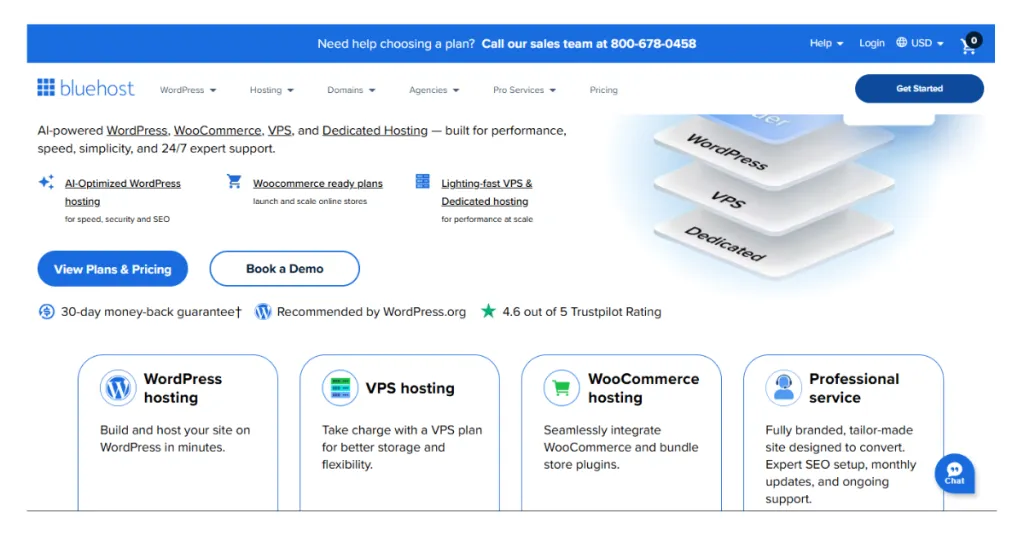
Moving on, Bluehost gives you a WordPress hosting experience that WordPress.org has recommended since 2005. That means WordPress itself trusts Bluehost, and that recommendation carries a lot of real weight.
Introductory pricing starts at $3.99 per month for a 36-month term billed upfront. However, renewal rates start from $9.99 per month after your first billing term ends completely.
Bluehost Pros
- WordPress.org officially recommends Bluehost and has done so for over 20 years.
- The guided setup wizard makes launching your WordPress site simple from the start.
- Every plan also gives you a free domain, free SSL, and one-click WordPress installation included.
- Strong 24/7 support and a large beginner knowledge base help you every step of the way.
- The 30-day money-back guarantee means you take zero financial risk when signing up.
Bluehost Cons
- Renewal pricing jumps significantly, and the long-term cost becomes much higher than expected.
- Phone support does not come with every plan, and checkout pushes upsells aggressively.
- The entry-level Starter plan limits you to 10GB of storage only.
4) SiteGround (Best for Speed and Reliable Support)
SiteGround runs on Google Cloud infrastructure, and that gives your site real speed and stability. Unlike cheaper hosts, your site does not sit on an overloaded and slow shared server.
The entry-level Startup plan costs $2.99 per month as an introductory rate right now. That plan allows one website and gives you 10GB of storage and 10,000 monthly visits included.
SiteGround Pros
- Google Cloud infrastructure gives your site genuine speed and stability from day one.
- Every plan includes SuperCacher, a free CDN, free SSL, and daily backups.
- The support team responds fast and consistently earns top ratings from users everywhere.
- The 30-day money-back guarantee gives you a completely risk-free window to test SiteGround.
SiteGround Cons
- Renewal price for the entry-level plan jumps to $17.99 per month afterwards. That makes SiteGround the steepest renewal increase of any host on this entire list today.
- The Startup plan only allows one website, so multiple sites require an upgrade.
In addition, domain registration through SiteGround costs more than alternatives like Namecheap.
5) DreamHost (Best for Transparent and Predictable Pricing)
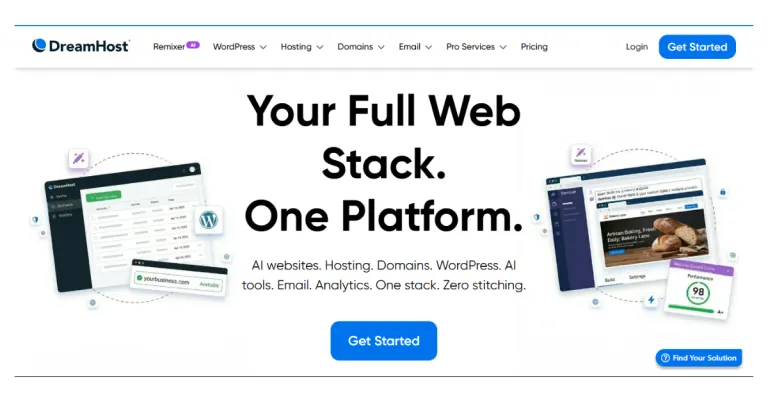
Moving forward, DreamHost gives you one of the most honest pricing structures available today.
The entry-level Launch plan starts at $2.89 per month for your first year with DreamHost. That plan gives you 25 websites, up to 40,000 monthly visits, and 25GB of NVMe SSD storage.
Even better, renewal pricing comes in at $10.99 per month, and DreamHost displays that clearly upfront.
DreamHost Pros
- First of all, the 97-day money-back guarantee gives you real time to test everything fully.
- Renewal pricing stays transparent and predictable and never surprises you at renewal.
- Every plan also gives you free SSL, unmetered bandwidth, and free automated WordPress migrations included.
- WordPress.org officially recommends DreamHost alongside only two other hosts on this list.
- The entry-level plan gives you 25 websites and 25GB of NVMe SSD storage immediately.
DreamHost Cons
- DreamHost uses a custom control panel instead of the standard cPanel most hosts use.
- The interface takes some getting used to if you come from another host.
- Phone support costs extra on basic plans, so you rely on chat and tickets.
- Some users report that server speeds run slower compared to Google Cloud-powered hosts.
6) Kinsta (Best for Beginners With a Bigger Budget)
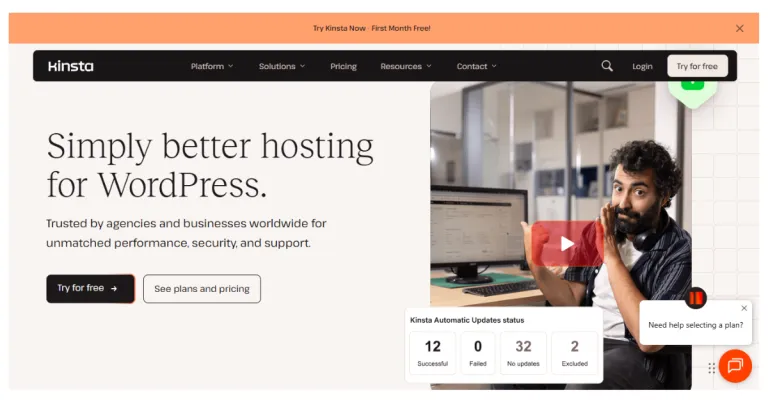
Moving up the list, Kinsta gives you premium managed WordPress hosting on Google Cloud Platform.
The Starter plan costs $35 per month or $29.17 per month when you pay annually upfront. That plan gives you 1 site, 25,000 monthly visits, 10GB storage, and Cloudflare Enterprise CDN.
Even better, the MyKinsta dashboard stays clean and well-designed, and is easy for you to navigate.
You perform all basic site management tasks without getting lost in endless, confusing submenus.
Kinsta Pros
- Google Cloud Platform with Cloudflare Enterprise CDN delivers exceptional speed from 27 data centers.
- Kinsta never increases your price at renewal, and that saves you money long term.
- Every plan includes staging environments, daily backups, free SSL, and 24/7 expert WordPress support.
- Free unlimited expert-handled site migrations come with every single Kinsta plan available.
- The 30-day money-back guarantee means you risk nothing when you try Kinsta out.
Kinsta Cons
However, the $35 per month starting price makes Kinsta the most expensive host on this list.
On top of that, Kinsta does not include email hosting on any plan, so you pay separately.
In addition, visit-based pricing can result in unexpected overage charges if you exceed your monthly limit.
7) Cloudways (Best for Flexible and Scalable Hosting)
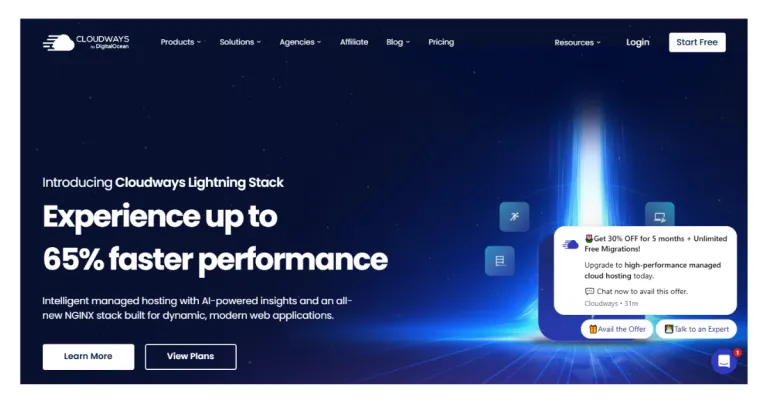
Finally, Cloudways gives you a completely different hosting experience from every other option on this list. Instead of a fixed plan, you choose a cloud provider and pay only for what you use.
Pricing starts from $14 per month on DigitalOcean with a pay-as-you-go billing model.
Even better, Cloudways offers a 3-day free trial with no credit card required from you.
Cloudways Pros
- Pay-as-you-go pricing means you only pay for what you actually use.
- You host unlimited WordPress sites on one server with zero visitor caps imposed.
- You get multiple cloud provider options, so you pick the infrastructure that fits your budget.
- In addition, free SSL, staging environments, and automated backups come included across every single plan.
- The 3-day free trial lets you test Cloudways before spending a single dollar.
Cloudways Cons
- Cloudways requires more upfront decisions than any other host on this list right now.
- No built-in email hosting on any Cloudways plan available.
- Extra bandwidth and storage incur additional charges if you exceed your plan limits.
Quick WordPress Hosting for Beginners Comparison Table
| WordPress Host | Starting Price | Renewal Price | Key Features | Best For |
| Truehost | From $1.5/mo | $19.29/mo | Free SSL, daily backups, LiteSpeed, NVMe SSD, one-click WordPress, 5 support channels | First time beginners |
| Hostinger | $1.99/mo | $10.99/mo | Free SSL, free domain 1 year, LiteSpeed, hPanel, email tool, 30-day guarantee | Budget-conscious beginners |
| Bluehost | $3.99/mo | $9.99/mo | Free SSL, free domain 1 year, one-click WordPress, guided setup, 99.9% uptime, Oracle Cloud | Complete WordPress beginners |
| SiteGround | $1.99/mo | $17.99/mo | Free SSL, free CDN, daily backups, SuperCacher, Google Cloud, SG Optimizer, 30-day guarantee | Speed and premium support |
| DreamHost | $2.89/mo | $10.99/mo | Free SSL, free domain, unmetered bandwidth, free migration, 25 sites, 97-day guarantee | Transparent pricing |
| Kinsta | $35/mo | $35/mo no increase | Free SSL, Google Cloud, Cloudflare CDN, staging, daily backups, 24/7 expert support | Premium growing sites |
| Cloudways | $14/mo | Pay as you go | Free SSL, staging, unlimited sites, 5 cloud providers, 3-day free trial | Flexible scaling |
All prices above are introductory rates. Always check the renewal rate on each host’s website before you commit.
Why These Hosts Stand Out for WordPress Hosting for Beginners
Now that you have seen all seven options, here is what makes every single one of these WordPress hosting for beginners worth your attention.
a) One-click WordPress installation.
Every host on this list lets you install WordPress with a single click from your dashboard.
You do not touch any databases, upload any files, or write a single line of code yourself.
b) Free SSL certificates.
Every host on this list gives you a free SSL certificate on every available plan.
Without SSL, Google flags your site as not secure, and visitors see a warning before loading it.
c) 24/7 support.
Something will go wrong eventually, and every host here gives you someone to call on.
The quality and channels vary, so always check support reputation before you make your final decision.
d) Performance optimized infrastructure.
Whether it is LiteSpeed on Hostinger or Google Cloud on SiteGround and Kinsta, performance comes first.
Every host here gives you a faster foundation than standard budget shared hosting ever could.
How to Choose the Right WordPress Hosting for Beginners
A. Start with your budget first and let that narrow down your options immediately.
Under $5 per month, Truehost, Hostinger, Bluehost, SiteGround, and DreamHost all work very well for you.
Over $5 per month and building something serious, look at Kinsta or Cloudways instead.
B. Choose ease over complexity, especially when you are just getting started with WordPress.
Truehost, Hostinger, and Bluehost give you the most beginner-friendly dashboards on this entire list.
C. Look at renewal pricing seriously before you commit to any host on this list.
A host that costs $1.99 per month introductory, but $17.99 per month at renewal, changes everything.
That difference alone adds up to $192 more per year for the same service you signed up for.
D. Think about where you want your website to be in the next 12 months.
Pick a host that lets you upgrade easily without forcing you to migrate to a completely different platform.
In Summary
You now have everything you need to pick the right WordPress hosting for beginners in 2026. Every host on this list solves the real problems you face when you start a WordPress website.
The wrong host wastes your time, confuses you, and costs you more than you ever expected.
The right host gets you online fast, keeps your site running, and supports you along the way.
Every option here works well for WordPress hosting for beginners at different budgets and different goals. Take your time, compare your top two or three options, and make your decision with confidence today.
Start your WordPress website hosting today with Truehost and get fast servers, free SSL, and one-click WordPress installation from just $1 per month.
Visit Truehost right now and have your website live before the day ends.