 Domain RegistrationFind and register the perfect domain for your website.
 .COM DomainChoose a widely recognized domain to build global credibility.
 Domain TransferSeamless domain transfers with zero downtime and complete control.
 All TLDsFind and register your perfect domain. Choose from local and global extensions.
 SSL CertificatesKeep your website safe with reliable SSL Certificates that protect customer data and build trust.
 whoisCheck domain ownership details, expiration dates, and registrar information.
 US DomainRegister a .US domain and build trust in the USA.
 Web HostingEverything your website needs to run smoothly
 WordPress HostingWordPress hosting that just works
 Windows HostingReliable hosting for Windows environments
 Reseller HostingTurn hosting into your business
 Email HostingEmail that looks professional and works anywhere
 cPanel HostingFull control of your hosting with cPanel
 Affiliate ProgramJoin as a partner and earn commissions on every referral you send our way.
 Vps HostingScalable virtual servers that expand as you need.
 Dedicated ServersGet complete access and full control over your dedicated physical server.
 Managed vpsNot tech-savvy? We will take care of everything with our fully managed VPS hosting for you.
 AI Website BuilderCreate stunning websites in seconds with AI.
 Online ShopSet up a professional online store. No coding required.
 Web design serviceGet a tailored website designed to match your brand and support your goals.
 BlogFind helpful guides on web hosting, online selling, digital marketing, and more.
 Contact USYou can reach us anytime, day or night, through chat or email.
 SupportBrowse helpful guides and answers for all of our services.
Is your landscaping website not loading when people try to see your lawn work? Do photos take forever to show up? Contact forms break when someone wants to hire you?
Well, sounds like you site isn’t working and you’re losing jobs.
The problem? Your website hosting sucks.
You probably picked the cheapest bad hosting, and now your site looks bad. We can change that very fast, but only if you allow it.
Walk with us as we cover
- Why your landscaping website needs good hosting
- What a landscaping website needs from hosting
- The best hosting type for landscaping businesses
- Keeping your portfolio fast and visible
- Hosting plans that fit landscaping businesses
- Extra hosting features that showcase your work
Let’s get into it.
Why Landscaping Websites Need Good Hosting
Showcasing Work Depends on Your Website
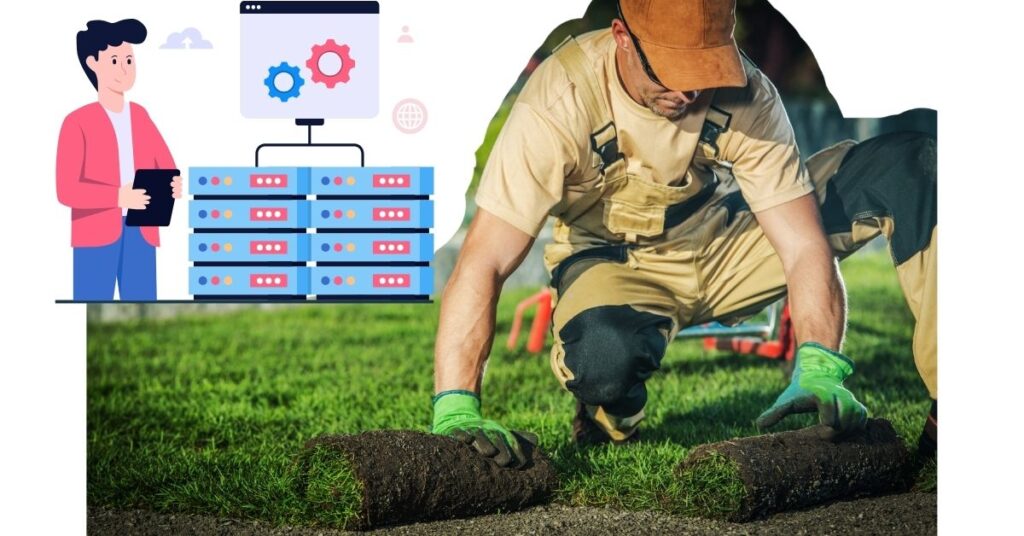
Your landscaping business lives on before-and-after photos. When someone searches for a landscaper, they want to see what you can do. Your website is your digital portfolio.
Every garden you redesign, every patio you install, every lawn you transform needs to look amazing online.
Bad landscaping business hosting makes your best work look amateur. Photos load in pieces. Colors look washed out. Pages freeze halfway.
Now listen,
According to a BrightLocal study, 87% of people check a business website before hiring them for home services. If your site fails during that first look, they hire someone else.
Slow or Down Sites Lose Potential Clients
Here’s the truth:
People judge your entire business by how fast your website loads. Google found that 53% of phone users leave sites that take over 3 seconds to load.
Think about it.
Someone’s standing in their messy yard, searching for help on their phone. Your competitor’s site loads instantly with beautiful lawn photos. Yours is still buffering. Who do they call?
Downtime is worse.
If your landscaping business hosting goes offline during weekends and evenings when people search, you miss jobs completely. Those customers never come back.
What a Landscaping Website Needs From Hosting
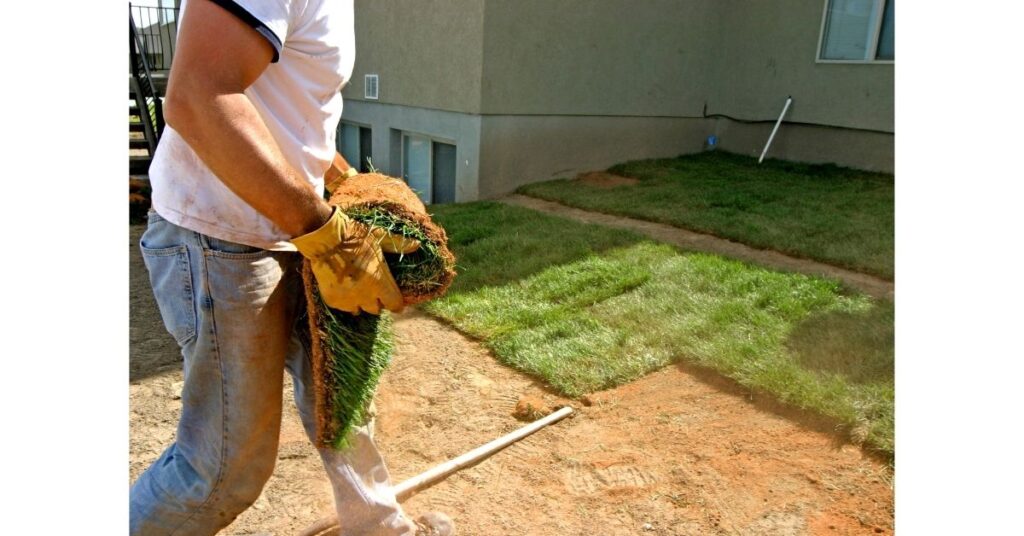
Image Galleries and Project Portfolios
Your website probably holds 50-200 high-quality photos minimum. Before shots of disaster yards. After shots of paradise. Close-ups of flower beds. Wide angles of complete transformations.
Each professional photo runs 2-5 MB in file size. Multiply that by 100 photos, and you need serious storage space. From these maths, it’s clear you need a landscaping business hosting that offers 10-50 GB of storage.
Sounds like plenty until you start uploading.
You also need hosting that displays galleries smoothly. Visitors should click through your portfolio without lag or broken images.
Cheap hosts struggle with image-heavy websites.
Contact Forms for Inquiries
Every landscaping website needs a simple contact form. Name, email, phone number, project description, maybe a spot to upload photos of their current yard.
These forms connect to your email through the hosting server. When someone fills out the form, your landscaping business hosts it and sends you the details.
If the hosting is weak, forms fail, and you never get the inquiry.
The customer thinks you got their message when you didn’t. They never follow up. You never knew they wanted to hire you.
Simple Pages for Services and Locations
Beyond your portfolio, you need basic pages explaining your services. Lawn maintenance, garden design, tree trimming, seasonal cleanup. Whatever you offer.
Location pages help if you serve multiple towns or neighborhoods. These pages don’t require fancy technology. Just text, a few photos, and maybe a map showing your service area.
Any host can handle static pages with text and images. The challenge comes when you combine these with your massive photo galleries.
The Best Hosting Type for Landscaping Businesses
Shared Hosting Works for Small Portfolios
Shared hosting puts your website on a server with hundreds of other websites. Everyone shares the processing power, memory, and bandwidth. It’s the cheapest option at $3-10 monthly.
For you, as a small landscaping business owner with 20-30 portfolio photos and a few service pages, shared hosting works fine. You’ll get enough speed and storage for a simple site getting 500-2,000 monthly visitors.
The catch?
You can’t control how much power you get. If another website on your server gets slammed with traffic, your site slows down, too. For you, just starting out, this trade-off makes sense.
Cloud or VPS for Large Photo-Heavy Sites
Once your portfolio grows past 100 photos or you’re getting 5,000+ monthly visitors, shared hosting starts struggling. Photos load slowly. Pages timeout during uploads. You need an upgrade.
VPS hosting gives you dedicated resources on a shared physical server. Think of it like having your own private section that other websites can’t touch. Costs run $20-80 monthly.
Cloud hosting spreads your website across multiple servers.
When traffic spikes, maybe you get featured in local news, and the cloud automatically pulls more power. Cloud hosting pricing runs $15-60 monthly based on usage.
Both options handle large image galleries way better than shared hosting. Your landscaping business hosting can process big photo files quickly and serve them to multiple visitors simultaneously.
Keep Your Landscaping Portfolio Fast and Visible With Better Hosting
Speed
Nobody waits around for slow websites. Your before-and-after photos need to pop up instantly when someone clicks on your portfolio.
Speed comes from three things:
- SSD storage (10 times faster than old hard drives)
- CDN that stores copies of your photos worldwide
- Image compression that reduces file sizes without killing quality.
Your landscaping host should have these three things without compromise.
Uptime
Your landscaping business hosting should promise 99.9% uptime minimum. That means your site stays online 99.9% of the time, only going down for about 8.7 hours yearly.
Better hosts guarantee 99.95% or 99.99% uptime. The difference seems tiny, but compounds over time. You can’t afford to be offline when someone’s ready to hire a landscaper this weekend.
Check host reviews specifically mentioning uptime. Hosting companies can promise anything, but customer experiences tell the real story.
Traffic
Unlike retail websites that get steady traffic all day, landscaping sites spike during specific times. Saturday mornings. Sunday afternoons. Weekday evenings after work. These are when homeowners browse for landscapers.
Your landscaping business hosting must handle 20-30 simultaneous visitors without choking. Each visitor loads multiple pages and views dozens of photos. Weak hosting crumbles under this load.
Test this before buying. Ask the host how many concurrent visitors their basic plan supports. If they dodge the question or give vague answers, walk away.
Bandwidth
Bandwidth measures how much data transfers from your server to visitors monthly. Every photo someone views uses bandwidth.
Here’s quick math:
One portfolio page with 12 photos might total 15 MB. If 1,000 people view that page monthly, you’ve used 15 GB of bandwidth. Add other pages, and you can easily hit 30-50 GB monthly.
Shared hosting plans include 50-100 GB bandwidth, which covers small to medium-sized landscaping portfolios. Cloud and VPS plans often offer unlimited or much higher limits for photo-heavy websites.
Security
When potential clients fill out your contact form, they trust you with their personal information. Phone numbers, email addresses, home addresses, and sometimes even photos of their property.
Your landscaping business hosting needs SSL certificates (the padlock icon in browsers) to encrypt this data. Hackers can’t steal encrypted information even if they intercept it.
Also, look for malware scanning and firewalls. These block attacks before they reach your website. A hacked website loses all credibility, and Google might blacklist you from search results.
Backup
Imagine spending years building a portfolio with 150 photos of your best work. Then your website breaks and everything disappears. No backup means starting over from scratch.
Daily automatic backups save your entire website—every photo, every page, every form. If something goes wrong, you restore yesterday’s version in minutes.
Some hosts charge extra for backups, which is ridiculous. This should be standard. Look for hosts that include daily backups with easy one-click restoration.
Mobile
According to Statista data from 2024, 63% of all website traffic now comes from mobile devices. For local service businesses like landscaping, that number jumps even higher.
Your hosting must serve mobile-optimized versions of your site automatically. Photos should resize for smaller screens. Contact forms should work with touchscreens. Pages should stack vertically instead of side-by-side.
Check your site on actual phones before launching. What looks great on your computer might be a disaster on a phone.
Orders
If you offer online booking for consultations or estimates, your hosting needs enough processing power to run scheduling plugins. These tools connect to your calendar, send confirmation emails, and handle cancellations.
Contact forms seem simple, but require server-side processing. When someone clicks submit, your landscaping hosting processes the form data, validates it, and routes it to your email.
Budget hosts often fail here, especially during traffic spikes. Forms timeout or throws error messages.
Each failed submission is a lost customer.
Management
You’ll add new projects constantly. Yesterday’s deck build. Last week’s garden installation. This morning’s lawn transformation. Updating your portfolio should take 5 minutes, not an hour of frustration.
Look for hosts with visual file managers. You drag photos from your computer and drop them into folders. No confusing programs or command lines needed.
WordPress hosting makes this even easier with media libraries. Upload photos, create galleries, and publish updates all through one simple dashboard.
Control
cPanel is the industry standard control panel. It shows everything through clickable icons: files, email accounts, databases, website statistics, and backups.
Without cPanel or similar tools, you’re stuck with confusing file systems and manual configurations. As a landscaping business owner, you don’t have time to learn server management.
Make sure your landscaping business hosting includes a control panel. Test it during the trial period. If it feels too complicated, find a different host.
Setup
Your landscaping website probably runs on WordPress, Wix, or Squarespace. Quality hosts offer one-click installation for these platforms.
Click the WordPress icon, enter a username and password, and wait 60 seconds. Done. WordPress installs with a default theme ready for customization. Manual installation takes hours and requires technical knowledge you don’t have.
Look for Softaculous or Installatron in the hosting features. These tools provide one-click installs for hundreds of website platforms and plugins.
Support
Your website crashes on Saturday afternoon. Potential clients see error messages instead of your beautiful landscapes. Can you get help right now?
You need 24/7 support through phone, live chat, or tickets. Email-only support means waiting 24-48 hours while your site stays broken. That’s unacceptable for a business website.
Test support responsiveness before buying. Send a question through live chat. How long does it take to get a real answer from a knowledgeable person?
Hosting Plans That Fit Landscaping Businesses
Start With Shared Hosting for Small Sites

If you’re launching your first landscaping website with 20-40 portfolio photos and basic service pages, start with shared hosting. Plans running $5-10 monthly handle this easily.
You’ll get 10-25 GB storage, 50-100 GB bandwidth, free SSL, and email accounts. That’s plenty for you as a small landscaping business owner getting a few thousand monthly visitors.
Popular shared hosts include Bluehost, Truehost, and HostGator. All offer WordPress optimization and one-click installs.
Upgrade Only When Portfolio Grows or Traffic Spikes
Don’t overpay for features you don’t need yet. Start cheap and upgrade when you outgrow shared hosting. You’ll know it’s time when photos load slowly, forms start failing, or visitors report errors.
Move to VPS when you hit 100+ portfolio photos or 5,000+ monthly visitors. Move to cloud hosting if you experience traffic spikes from advertising, seasonal demand, or media coverage.
You don’t need enterprise-level landscaping business hosting when you’re running a local business.
Extra Hosting Features That Showcase Your Work
Image Optimization Tools
Some hosts include automatic image compression. These tools reduce photo file sizes by 40-70% without visible quality loss.
Smaller files load faster and use less bandwidth. Your 5 MB before-and-after shots compress to 1.5 MB, loading 3 times faster.
Look for hosts mentioning image optimization, lazy loading, or CDN in their features. These tools make photo-heavy portfolios run smoothly.
Gallery Plugins Supported by Hosting
WordPress offers hundreds of gallery plugins for showcasing portfolio work. The best landscaping business hosting ensures compatibility with popular options like Envira Gallery, NextGEN, and FooGallery.
These plugins create beautiful before-and-after sliders, lightbox popups, and filterable project categories. But they need sufficient server resources to run smoothly.
Check that your host supports PHP 8.0 or higher and offers adequate memory limits for gallery plugins.
SSL for Client Trust
SSL certificates encrypt data between your website and visitors. Every legitimate business website needs an SSL in 2026.
Google Chrome flags non-SSL sites as “Not Secure,” scaring away potential clients. Google also ranks SSL-enabled sites higher in search results.
Free SSL through Let’s Encrypt is standard with quality hosts. If a host charges extra for basic SSL, find a different provider.
Conclusion
You don’t need expensive enterprise plans or complicated configurations for your landscaping business hosting. Your website needs fast-loading photo galleries, reliable uptime, and simple management tools.
Shared hosting at $5-10 monthly works perfectly for small portfolios, while VPS or cloud hosting handles larger operations with hundreds of photos.
Focus on speed, security, and easy portfolio updates. Your hosting should showcase your landscaping work beautifully without technical headaches getting in the way of running your business.
Ready to get your landscaping portfolio online the right way? Truehost offers reliable landscaping hosting with fast image delivery, 99.99% uptime, and simple tools designed for landscaping business owners who want professional results without the complexity.